Hannover › Väst

Flag of Tyskland Hannover, Tyskland

Hannover, Tyskland
New (0)
Real-Time Environment
HD Video 24/7 Access Europe

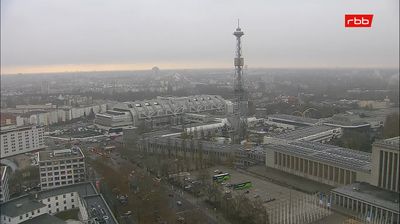
Welcome to the live streaming webcam for Hannover › Väst, perfectly situated in the vibrant region of Hannover, Tyskland. Watching this live camera allows you to instantly experience the local atmosphere and monitor current climate conditions.


Hanover

About Hanover

Hanover is the capital and largest city of the German state of Lower Saxony. Its population of 535,932 (2021) makes it the 13th-largest city in Germany as well as the fourth-largest in northern Germany after Berlin, Hamburg and Bremen. Hanover's urban area comprises the towns of Garbsen, Langenhagen and Laatzen and has a population of about 791,000 (2018). The Hanover Region has some 1.16 million inhabitants (2019) and is the largest in the Hanover–Braunschweig–Göttingen–Wolfsburg Metropolitan Region, the 17th biggest metropolitan area by GDP in the European Union.

📖 Read more on Wikipedia
📍 Location Facts
  • Country Flag Tyskland
  • Region Niedersachsen
  • City Hannover
  • Coordinates 52.3752°N, 9.7710°E
Interests Stad Byggnad
Added: Apr 25, 2026 Updated: Live

Explore other categories in Tyskland


More Webcams in Tyskland

Frequently Asked Questions

Webcam.beer is a premium global directory of live streaming webcams. We curate and index thousands of real-time cameras from around the world, allowing you to instantly check weather conditions, explore famous tourist spots, view city traffic, and discover beautiful landscapes all in one place.

Yes! The vast majority of the cameras in our network are real-time, live video streams. Some remote or scientific cameras may provide frequently updated high-resolution imagery (updated every few seconds or minutes) due to bandwidth constraints in those specific locations.

Absolutely. Browsing, watching, and exploring the webcams on our platform is 100% free. You do not need to pay or create an account to view the live streams.

We love community contributions! You can easily submit a live stream by clicking the "Add Cam" button in the main menu. Once submitted, our moderation team will review the camera to ensure it meets our quality and safety guidelines before it goes live on the platform.